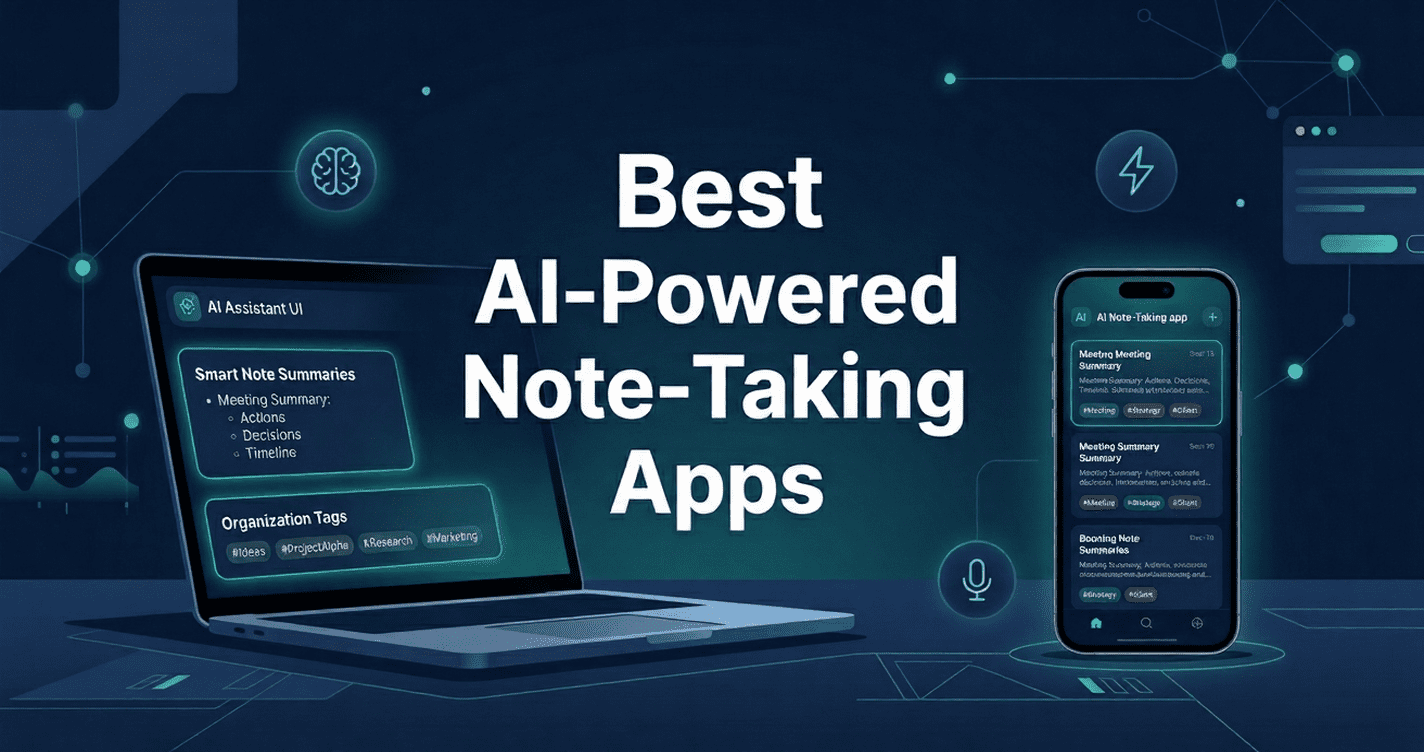
Quick Answer: AI-powered note-taking apps use artificial intelligence to automatically capture, organise, summarise, and retrieve your notes. They go beyond basic text storage by offering features like meeting transcription, smart tagging, and context-aware search—saving you hours every week and ensuring no important idea is ever lost.
Think about the last time you sat through a one-hour meeting, took frantic notes, and then couldn’t find that critical action item a week later. Or the moment a great idea struck during your commute—gone by the time you opened a blank page. This is the daily reality for millions of students, professionals, and entrepreneurs.
AI-powered note-taking apps are solving these exact problems. By combining the power of large language models, speech recognition, and intelligent organization, these tools have fundamentally changed how we capture and use information. Whether you’re a developer, marketer, student, or business owner, there’s now an app that does the heavy lifting for you.
This guide covers everything you need to know:
- What these apps actually do
- Which platforms support them
- Which ones are free
- How they compare and how to choose the right one
Key takeaway: The right AI note-taking app doesn’t just save time—it transforms scattered thoughts into actionable intelligence.
Table of Contents
What Are AI-Powered Note-Taking Apps?
An AI-powered note-taking app is a digital tool that uses machine learning, natural language processing (NLP), and automation to help users capture, organise, and retrieve information more effectively than traditional note apps.
Unlike a basic notes app where you type and store, AI note-taking apps actively process your content. They can:
- Summarise long documents
- Tag notes automatically
- Transcribe voice and meetings
- Identify action items
- Surface related notes when you need them
The core difference: traditional apps store information; AI apps make it useful.
💡 Expert Insight: In practice, users who switch from manual to AI-assisted note-taking report spending up to 30% less time searching for information—because the AI structures and connects it for them automatically.
How AI Note-Taking Apps Actually Work
Understanding the technology behind these tools helps you choose the right one. Here’s what’s happening under the hood:
- Speech-to-Text (ASR): Automatic Speech Recognition converts spoken words into text in real time—essential for meeting transcription.
- Natural Language Processing: NLP identifies key themes, entities, and action items within your notes without you lifting a finger.
- Semantic Search: Instead of keyword matching, AI understands meaning—so searching “budget discussion” finds notes about “financial planning” too.
- Auto-Summarisation: LLMs condense long notes or transcripts into concise summaries with key points highlighted.
- Smart Tagging & Organisation: The app categorises your notes intelligently, often without any manual input.
These capabilities are powered by the same technology behind tools you may already use, such as those documented in OpenAI’s research on language models, showing just how rapidly this space has matured.
Key Features to Look for in an AI Note-Taking App
Not all AI note-taking apps are created equal. Evaluate them against these criteria:
| Feature | Why It Matters | Priority |
| Meeting Transcription | Captures conversations automatically | High |
| Auto-Summarisation | Saves hours by distilling long notes | High |
| Cross-Platform Sync | Access notes on Android, iOS, iPad, and desktop | High |
| Semantic Search | Finds what you mean, not just what you typed | Medium |
| Integrations | Connects with Slack, Calendar, Notion, CRMs, etc. | Medium |
| Offline Mode | Ensures access without an internet connection | Medium |
| Free Tier Available | Lets you test before committing financially | Varies |
Best AI-Powered Note-Taking Apps for Android
Android users have a strong selection on the Google Play Store. Look for reliable background sync, Google Assistant integration, and widget support.
- Notion AI: Deep AI writing and summarisation built into a powerful workspace. Full Android support with offline editing.
- Otter.ai: Purpose-built for meeting transcription with live notes. Android app includes real-time speaker identification.
- Reflect: AI-linked note-taking with a distraction-free Android interface. Excellent for personal knowledge management.
- Google Keep + Gemini: Native AI summarisation for those in the Google ecosystem.
💡 Practical Tip: If you use Google Calendar, choose an app with Calendar integration—it will automatically link notes to your meetings.
Best AI-Powered Note-Taking Apps for iOS
iOS environments are powerful thanks to Shortcuts, Siri integration, and Apple’s Neural Engine.
- Notewise: Designed for Apple devices with tight Shortcuts integration and AI chat over your notes.
- Otter.ai: Integrates with the Calendar app and offers top-rated real-time meeting transcription.
- Notion AI: Available on iOS with full feature parity for drafting and summarising.
- Apple Notes + Apple Intelligence: Now offers native AI summarisation and Smart Reply for casual users.
Best AI-Powered Note-Taking Apps for iPad
The iPad’s canvas and Apple Pencil make it ideal for visual, AI-enhanced note-taking.
- GoodNotes 6 + AI: Includes AI search over handwritten notes, auto-correction, and smart organisation.
- Notability: Records audio alongside handwriting and uses AI to link playback to specific strokes.
- Notion AI on iPad: Provides a full-width workspace experience perfect for structured projects.
Best AI Meeting Note-Taking App: Top Picks Compared
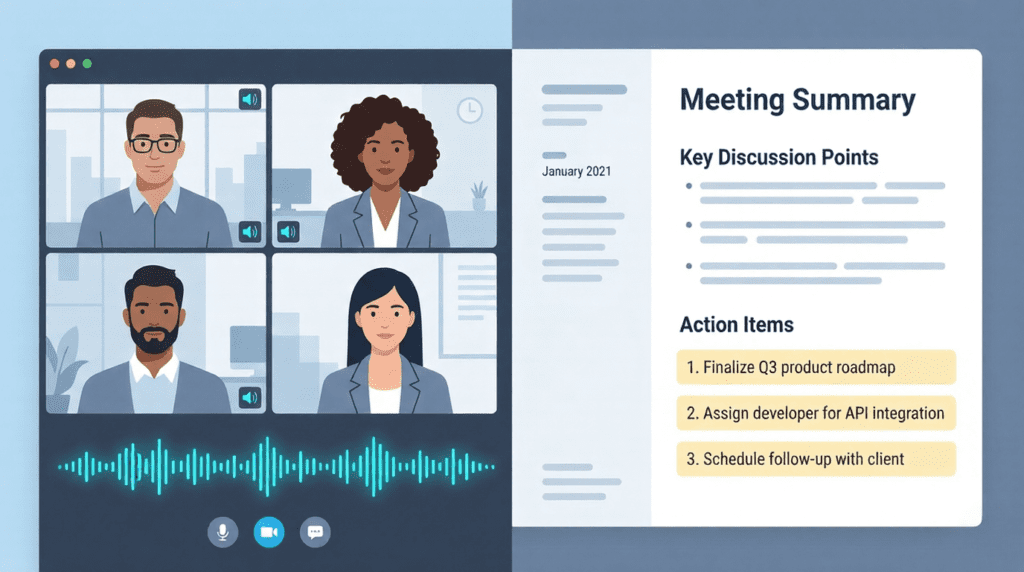
Meeting notes are one of the highest-value use cases for AI.
| App | Transcription | Integrations | Best For |
| Otter.ai | Real-time, multi-speaker | Zoom, Teams, Meet | Teams & remote workers |
| Fireflies.ai | Auto-joins calls | 100+ CRM & PM tools | Sales teams & managers |
| Fathom | Instant post-meeting | Zoom, HubSpot, Slack | Entrepreneurs & coaches |
| Tactiq | Live captions + export | Google Meet, Zoom | Individuals & students |
| tl;dv | Clips & summaries | Notion, Slack, Linear | Product & engineering |
Winner for most users: Otter.ai offers the best combination of accuracy, integrations, and free tier availability.
Best AI-Powered Note-Taking Apps That Are Free
- Otter.ai Free: 300 monthly transcription minutes; 30-minute meeting limit.
- Notion Free: Unlimited blocks for individuals; AI is an add-on.
- Tactiq Free: 10 AI-generated summaries per month.
- Fathom Free: Unlimited recordings for Zoom meetings with AI summaries.
- Google Keep + Gemini: Available for Google Workspace users.
According to Stanford HAI’s research, free AI tools are a primary entry point for productivity users before they upgrade to paid plans.
💡 Trade-off to Know: Free tiers often limit queries or storage. If you rely on transcription daily, a paid plan often pays for itself in recovered time.
Real-World Use Case: Marketing Team Gains
A five-person marketing team used to spend four hours per week manually taking notes. After integrating Fireflies.ai:
- Calls are joined automatically.
- Summaries are emailed within minutes.
- Action items sync directly to project management tools.
- Result: 4 hours of manual labour eliminated weekly.
How to Choose the Right AI Note-Taking App for You
- Define Your Primary Use Case: Meeting transcripts vs. personal knowledge management?
- Check Platform Compatibility: Ensure reliable sync between Android, iOS, iPad, or desktop.
- Evaluate Integration Depth: Does it connect to Slack, Notion, or your CRM?
- Test the Free Tier First: Use it for 2-4 weeks to check accuracy and domain-specific speed.
💡 Expert Advice: Domain-specific accuracy matters. A medical professional needs an app trained on clinical language, not just general AI.
Pros and Cons of AI Note-Taking Apps
| ✅ Pros | ⚠️ Cons |
| Saves time on manual note-taking | Free tiers have usage limits |
| Automatically organises and tags content | Accuracy varies with accents/jargon |
| Searchable meeting transcripts | Privacy concerns with recordings |
| Cross-platform (Android, iOS, iPad) | Learning curve for some users |
| Integrates with workflow tools | Paid plans can be expensive |
AI-powered note-taking apps have moved from a niche novelty to an essential productivity tool for anyone who works with information. Whether you’re capturing meeting transcripts with Otter.ai, organising research in Notion AI, or writing by hand on an iPad with GoodNotes there’s a tool built for exactly the way you work. Here are the three most important takeaways from this guide:
- The best app for you depends on your primary use case meeting transcription, personal knowledge management, or handwritten notes each call for different tools.
- Free tiers from Fathom, Otter.ai, and Tactiq are genuinely useful starting points test before you invest.
- Cross-platform support (Android, iOS, iPad) and integration depth with your existing tools are more important than any single AI feature.
Ready to level up your entire AI toolkit? Explore the latest guides, comparisons, and AI tool reviews at Geniostack.com — your go-to resource for cutting-edge AI productivity insights.