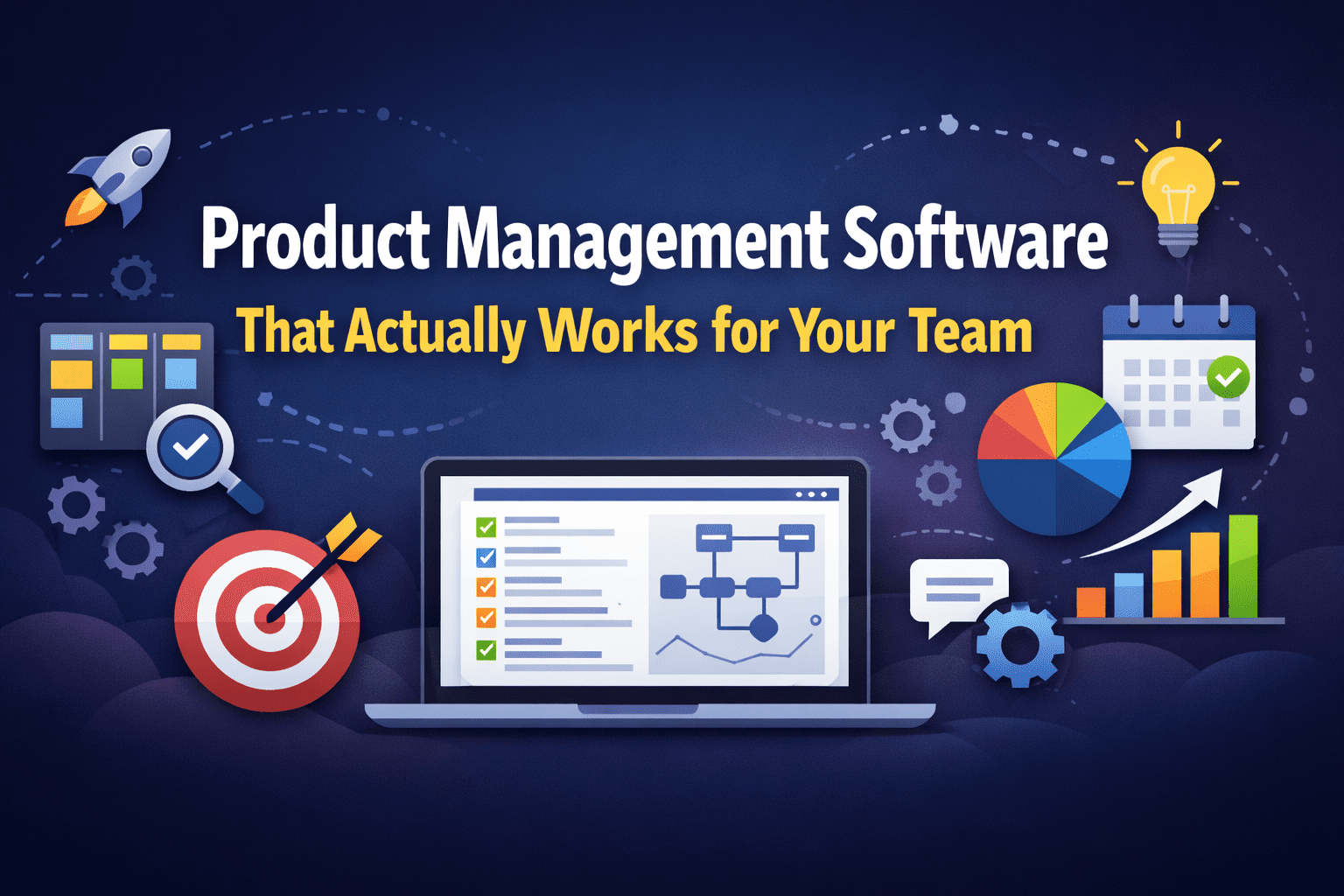
The best product management software depends on team size and workflow. For small teams, Trello or Linear work well. For larger organizations, Jira, Productboard, or Aha! offer deeper roadmap control. Most teams can start with a free plan before committing.
You open five tabs. One for the roadmap, one for the backlog, one for the sprint board, one for customer feedback, and one more because someone sent a “quick update” in Slack that really wasn’t quick. Your product is moving — technically — but you’re spending more time tracking work than doing it.
That’s the real problem product management software is supposed to solve. Not just give you a prettier to-do list. Not just replace your spreadsheet with a fancier spreadsheet.
Here’s the thing: most guides will hand you a top-ten list, describe each tool for two paragraphs, and call it a day. That’s not enough to help you make a real decision. The wrong tool doesn’t just slow you down — it creates friction at exactly the moment you need momentum. Missed handoffs. Duplicate tasks. A backlog nobody trusts.
By the time you finish reading this, you’ll know which type of tool fits your situation, what to avoid when evaluating options, and how to start without spending a dollar if you’re not ready to.
The tool isn’t the strategy — but picking the wrong one will quietly undermine the one you have.
Table of Contents
Why Most Teams Pick the Wrong Tool (And Keep It Anyway)
The selection process is usually backwards. Someone on the team used a particular tool at their last job. Or the sales rep gave a great demo. Or it won an award somewhere. So the team adopts it, spends three weeks migrating data, and then finds out it doesn’t actually support the way they work.
The problem isn’t the tool itself. It’s that most evaluations start with features instead of workflow.
Before you compare dashboards, ask yourself three questions:
- Where does work actually get prioritized in your team? If it happens in Slack or email, the tool needs to connect there — not replace it.
- Who needs to see what, and how often? A developer and a CEO need completely different views of the same product.
- Do you ship in sprints, continuously, or in big batches? This determines whether you need agile boards, roadmapping tools, or both.
[Note]: Most free trials are two weeks. That’s not enough time to know if a tool fits. Ask vendors about extended pilots or import your real backlog before you evaluate — demo data always looks cleaner than yours.
The Four Categories of Product Management Tools
Not every tool does the same job. Once you understand what category you’re shopping in, the decision gets much simpler.
Roadmapping Tools
These exist to communicate the plan. They’re built for alignment between product, leadership, and stakeholders — not execution.
Aha! and Productboard sit in this category. They’re excellent at connecting customer feedback to features, scoring priorities, and presenting beautiful roadmaps. They’re not where your engineers live.
If your biggest problem is everyone asking “so what are we actually building next quarter?” — this is your category.
Agile Project Management Tools
These are execution-focused. Sprints, backlogs, story points, velocity charts. Built around how development teams work, not just what they’re building.
Jira is the heavyweight here — deeply configurable, deeply loved and deeply hated in equal measure. Linear is the sharper, faster alternative that’s become the default choice for modern engineering-led teams.
[Pro Tip]: If your engineers complain that updating tickets takes longer than doing the actual work, you’re using a tool that’s too heavy for your team size. Linear exists specifically because Jira became too much for most teams under 50 people.
Visual Boards and Kanban Tools
These are lightweight, flexible, and great for non-engineering teams. Trello is the classic. You create columns, drag cards, and done. Simple enough that a designer, marketer, or founder can own the process without needing admin support.
The limitation? Trello doesn’t scale well once you need dependencies, time-based planning, or cross-team visibility. It’s excellent for what it is — just don’t expect it to be what it isn’t.
All-in-One Work Management Platforms
Tools like Notion, Monday.com, and Asana blur the line between project management and product management. They’re flexible, which is their strength and their weakness.
In practice, this usually means they can do everything adequately and almost nothing exceptionally. Teams that need serious sprint tracking or structured roadmaps will eventually outgrow them. But for early-stage companies or small teams who need one place for everything, they’re hard to beat.
Comparing the Best Product Management Software
Here’s how the most widely used tools stack up across the factors that actually matter:
| 🛠 Tool | 🎯 Best For | 💸 Free Plan? | ⚙️ Complexity | ⭐ Standout Feature |
|---|---|---|---|---|
| Jira | Engineering-heavy teams, Agile at scale | Yes (up to 10 users) | High | Deeply customisable workflows and reporting |
| Linear | Modern dev teams who value speed | Yes | Low–Medium | Near-instant UI, Git integrations, keyboard-first |
| Trello | Visual thinkers, small teams, non-tech PMs | Yes (generous) | Low | Simple kanban; fast to set up |
| Productboard | Product-led orgs prioritising customer insight | No (trial only) | Medium | Feedback consolidation tied to feature requests |
| Aha! | Enterprise roadmapping and strategy | No (trial only) | High | Strategy-to-feature linking; executive reporting |
| Notion | All-in-one wikis, docs, light PM | Yes | Low–Medium | Flexible databases; doubles as a team wiki |
| Asana | Cross-functional teams managing multiple projects | Yes (limited) | Medium | Portfolio views; dependency tracking |
[Key Insight]: The tools with no free plan — Productboard and Aha! — serve a specific, senior audience: product leaders who need to prove ROI to executives, not just manage a backlog. If you’re evaluating them for a small startup, you may be buying a tool for a problem you don’t have yet.
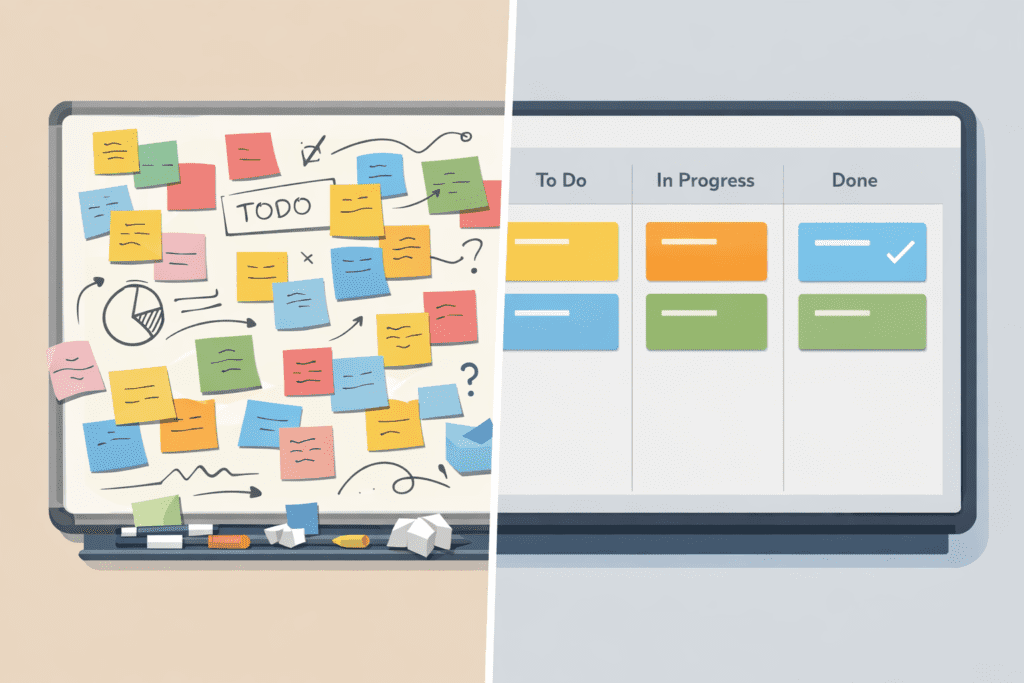
Best Product Management Tools Free: Where to Start Without Spending Anything
There’s a persistent myth that free product management tools are just stripped-down demos. That’s not really true anymore.
Jira’s free tier supports up to 10 users and includes most of its core functionality — backlogs, sprint boards, basic reporting. Trello’s free plan gives you unlimited cards and up to 10 boards per workspace. Linear’s free plan covers unlimited members for smaller projects. Notion’s free plan includes enough for a solo founder or small team to run their entire product process.
The honest trade-off: free plans limit collaboration, reporting, or integrations — exactly the things that matter once your team grows past a handful of people. But for early validation or personal use, they’re genuinely useful.
Here’s a non-obvious thing most guides won’t tell you: starting free and migrating later is usually not painful. The switching cost is real, but not as bad as people fear — especially if your data is mostly text-based tasks rather than complex automations. Pick what fits now, not what you think you might need in two years.
How to Actually Choose: A Four-Step Framework
You don’t need a spreadsheet with 40 criteria. You need four honest answers.
Step 1: Map your current chaos. Before evaluating tools, write down exactly where work gets lost in your team. Missed handoffs? No visibility? Outdated priorities? The tool that solves your specific chaos wins — not the one with the most features.
Step 2: Identify your real users. Not the people who’ll theoretically use it. The people who actually will. If your developers hate updating tickets, a heavy tool will be abandoned within a month. If your CEO needs a one-click roadmap view, a pure sprint tool won’t cut it. Design for the people who’ll touch it daily.
Step 3: Start with a free plan and import real work. Don’t evaluate on demo data. Take your actual backlog — messy, incomplete, exactly as it is — and see how the tool handles it. This reveals friction points that a sales demo never will.
Step 4: Give it three sprints before deciding. One sprint is enough time to form an opinion. Three sprints is enough time to know if it actually changed how your team works. Set a calendar reminder. Then make the call.
[Important]: The most expensive mistake isn’t choosing the wrong tool — it’s switching tools every six months because the evaluation was rushed. Whatever you pick, commit to it long enough to actually learn it.
A Real-World Example: What a 12-Person Team Actually Uses
Consider a startup with one PM, five engineers, two designers, and a leadership team that wants quarterly roadmap visibility. Here’s what works in practice:
- Linear for sprint planning and engineering backlog
- Notion for the product wiki, specs, and meeting notes
- A lightweight roadmap template in Notion or Coda shared with leadership — updated once a month
That’s three tools doing three different jobs. The PM owns the connection layer between them. It’s not glamorous, but it works — and it costs less than most single enterprise PM tools.
What most guides don’t mention is that the “one tool to rule them all” often creates more problems than it solves. Forcing engineers to write specs and forcing executives to read sprint boards in the same tool adds friction for everyone.
What to Watch Out For: Red Flags During Evaluation
Some warning signs that a tool isn’t right for your team, regardless of how good the reviews are:
- Nobody updates it after week two. If adoption drops off, the tool has too much friction — not too few features.
- You’re spending more time configuring than shipping. Some tools are infinitely customisable. That’s a trap, not a feature.
- It doesn’t connect to where your team actually communicates. If everyone works in Slack, a tool without a Slack integration will be ignored.
- The “simple” version still requires onboarding. Good tools feel obvious within an hour.
And this one, bluntly: if your team’s biggest complaint about your current process is communication, no PM tool will fix that. Communication is a culture problem. A tool can support good communication — it can’t create it.
What is product management software used for?
Is there good product management software that’s free?
What’s the difference between Jira and Linear?
Do I need a dedicated product management tool or can I use a general project management tool?
How many product management tools should a team use?
When should I switch product management tools?
What’s the easiest product management software for non-technical PMs?
Choosing a tool isn’t the finish line
The right product management software removes the noise so your team can focus on the actual work. But it only works if people use it, trust it, and update it consistently.
Three things worth remembering: match the tool to your actual workflow, not your aspirational one. Start free if you’re unsure — the upgrade path is easier than it looks. And give any new tool at least six weeks before deciding it doesn’t work.
If you’re building a product and looking for more tools and resources to sharpen your workflow, explore what’s available for makers and founders — you might find exactly what’s been missing from your stack.