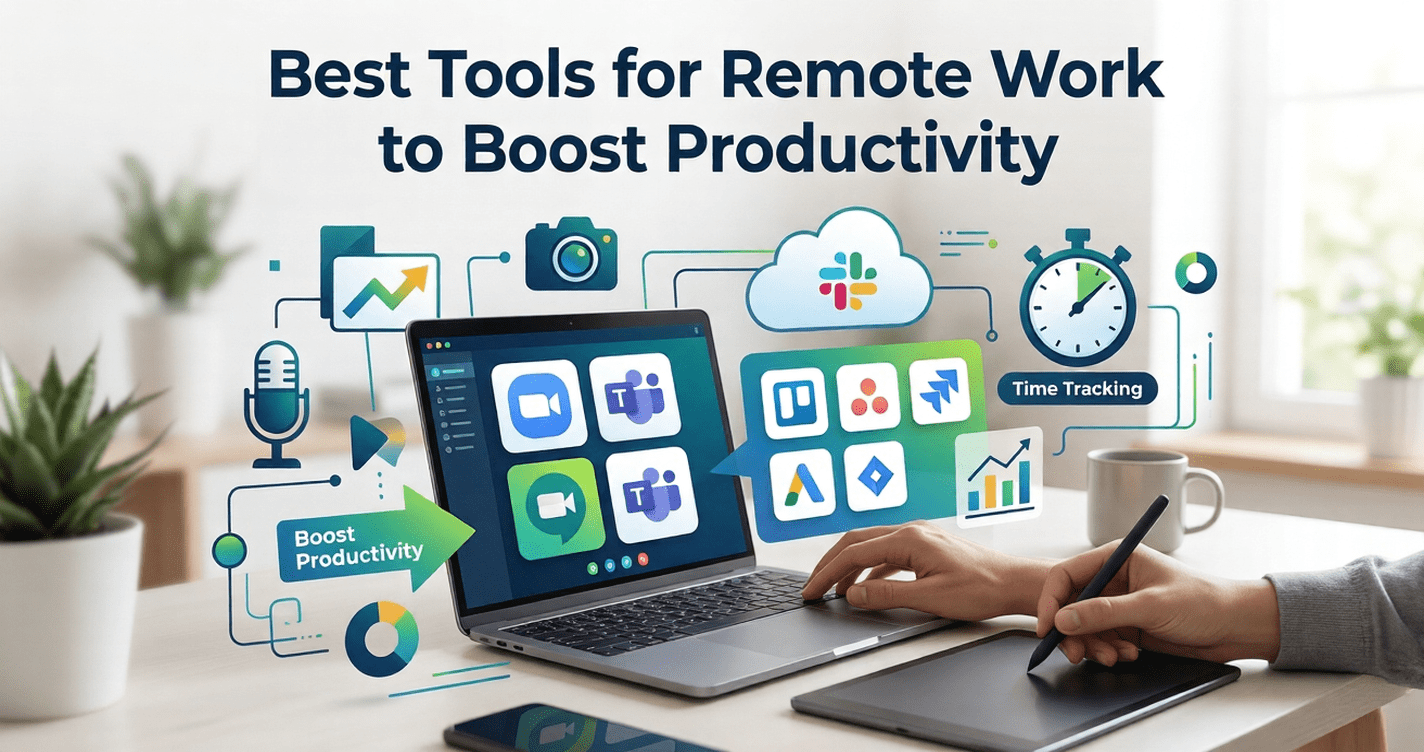
The best tools for remote work include a combination of communication platforms, project management apps, async video tools, security solutions, and compliance management software. A well-built remote stack covers real-time collaboration, deep-focus work, team visibility, and data protection — giving distributed teams everything they need to work as effectively as any in-office team.
Working remotely sounds freeing — until your team is scattered across five time zones, your security policy lives in a shared Google Doc no one reads, and your “quick check-in” Slack message turns into a 40-minute video call that could have been a two-minute async clip.
The difference between remote teams that thrive and those that slowly burn out almost always comes down to one thing: the tools they choose and how deliberately they use them.
Whether you’re a solopreneur, a startup team of ten, or an enterprise managing hundreds of distributed employees, the right remote work toolkit changes everything. It protects your data, keeps your projects visible, eliminates unnecessary meetings, and gives everyone the clarity to do their best work — no matter where they are.
This guide covers every category of tools you need, why each one matters, and how to build a stack that scales with your team. By the end, you’ll have a clear, actionable framework for choosing the best tools for remote work in every area that matters.
Table of Contents
Why Remote Teams Fail Without the Right Stack
Remote work doesn’t fail because people are lazy or undisciplined. It fails because of invisible friction — the small, daily inefficiencies that pile up when tools don’t fit the workflow.
Consider this: a remote worker context-switches between apps an average of 1,200 times per day, according to research cited in productivity studies by RescueTime. Every unnecessary toggle is a tax on focus and a drain on momentum.
The right tools eliminate that friction. They create systems instead of chaos, visibility instead of guesswork, and security instead of risk. The categories below aren’t optional extras — each solves a specific, high-stakes problem that remote teams face daily.
The 6 Core Categories of Remote Work Tools
1. Communication & Async Video Platforms
Real-time messaging platforms like Slack and Microsoft Teams are well-established — but the fastest-growing category in remote work is async video. Async video tools let team members record and share short video updates, walkthroughs, or feedback instead of scheduling a meeting.
Why it matters: Meetings have a hidden cost. Every 30-minute call for six people costs three hours of collective productivity. Async video replaces many of those calls without losing the human connection that text messages strip away.
Best async video platforms for remote work:
- Loom — The market leader. Instant screen + webcam recording, shareable links, viewer analytics. Ideal for walkthroughs, design reviews, and team updates.
- Claap — Built specifically for teams. Supports threaded video comments and integrates with Notion and Jira.
- Tella — Polished, studio-quality recordings with branded backgrounds. Best for client-facing communication.
- Mmhmm — Strong presentation features with virtual backgrounds and layouts. Good for video-heavy teams.
💡 Key Insight: If your team holds more than three recurring meetings per week, async video can realistically eliminate at least one. Start by replacing your weekly status meeting with a five-minute async video update from each team member.
Comparison Table — Top Async Video Platforms
| Tool | Free Plan | Screen + Cam | Comments | Best For |
|---|---|---|---|---|
| Loom | ✅ (25 videos) | ✅ | ✅ | General teams |
| Claap | ✅ (limited) | ✅ | ✅ Threaded | Dev & design teams |
| Tella | ✅ (limited) | ✅ | ❌ | Client-facing work |
| Mmhmm | ✅ | ✅ | ❌ | Presentations |
2. Project & Task Management
Without a visible task management system, remote teams operate on assumptions — and assumptions are where projects go to die.
What to look for:
- Task ownership with clear due dates
- Project-level visibility (not just individual tasks)
- Integration with your communication tools
- Workload view so managers can spot over-allocation
Top picks:
- Notion — Highly flexible. Combines docs, wikis, and task boards in one workspace. Excellent for async teams who want context alongside their tasks.
- Asana — Purpose-built for project management with strong automation and reporting. Better for structured teams with defined workflows.
- Linear — Built for software teams. Blazing fast, opinionated design, excellent for sprint-based engineering work.
- ClickUp — Feature-rich and highly customisable. Can be overwhelming without good onboarding.
For teams exploring AI-powered productivity solutions, Geniostack.com covers a wide range of tools and strategies to help distributed teams work smarter across every category.
3. Remote Work Security Best Practices & Tools
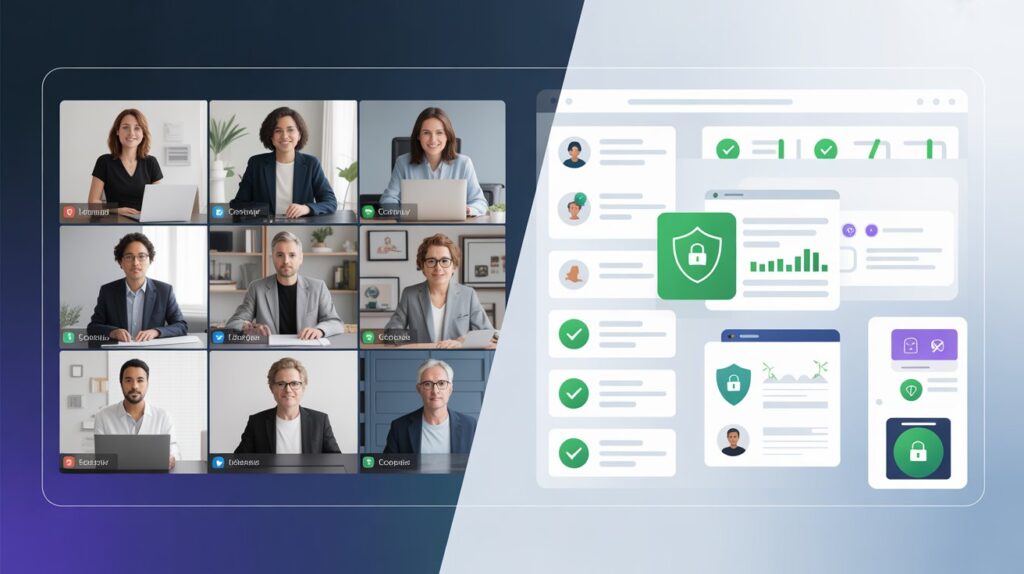
Security is the most overlooked category in remote work tooling — until something goes wrong. When your team works from home networks, coffee shops, and shared spaces, the attack surface for your business grows dramatically.
Remote work security best practices every team should implement:
- Enforce a company-wide VPN — A VPN encrypts traffic between your team members’ devices and your company infrastructure. Tools like NordLayer (business-focused) or Cisco AnyConnect are purpose-built for distributed teams.
- Require Multi-Factor Authentication (MFA) on all accounts — MFA blocks over 99% of automated account compromise attacks, according to Microsoft’s own security research.
- Use a password manager — 1Password Teams and Bitwarden Business let you securely share credentials without anyone ever seeing the actual password.
- Implement endpoint protection — Tools like CrowdStrike Falcon or Malwarebytes for Teams monitor and protect devices regardless of location.
- Control access with Zero Trust architecture — Platforms like Cloudflare Access or Okta enforce identity verification before granting access to any tool or resource.
⚠️ Don’t skip this: The Verizon Data Breach Investigations Report consistently identifies credential theft and phishing as the top causes of small business breaches. Both are dramatically more common in remote environments.
External Resource: Review NIST’s official remote work security guidelines or a framework-level reference that any organisation can adapt.
4. Best Tools for Managing Compliance with Remote Work Policies
Compliance in a remote environment isn’t just about legal requirements — it’s about making sure your policies are actually followed, documented, and enforceable when your team is spread across different locations, jurisdictions, and sometimes different employment laws.
What compliance tools for remote work typically handle:
- Policy distribution and digital acknowledgement tracking
- Data privacy compliance (GDPR, CCPA, HIPAA)
- Time tracking and labour law compliance
- Audit trails for access and document handling
Top tools in this category:
- Rippling — Combines HR, payroll, IT, and compliance in one platform. Automatically adjusts compliance requirements based on employee location. Exceptional for companies hiring across multiple states or countries.
- Remote.com — Built specifically for global remote teams. Handles employer-of-record services, local compliance, and contract management in 170+ countries.
- Workday — Enterprise-grade HR and compliance platform with strong audit and reporting capabilities.
- Trainual — Focused on policy documentation and employee onboarding. Lets you create policy acknowledgement workflows and track completion.
💡 Key Insight: Compliance isn’t a one-time setup — it’s an ongoing process. As your team grows and expands into new regions, your compliance obligations change. Tools like Rippling automate much of this, but a quarterly review of your policies is still essential.
Pros/Cons: All-in-One Compliance Platforms vs. Point Solutions
| All-in-One (Rippling, Remote.com) | Point Solutions | |
|---|---|---|
| Pros | Unified data, less admin overhead, automatic updates | Best-in-class features, lower cost for small teams |
| Cons | Higher cost, longer setup, potential over-engineering | Data silos, manual sync, more maintenance |
| Best for | Teams of 10+ in multiple locations | Small, single-location teams |
5. Best Tools for Remote Work Site Maintenance and Support Services
For remote businesses that manage websites, client portals, or digital products, site maintenance becomes a critical operational concern. Without a physical IT team on-site, monitoring, uptime, and support need to run automatically.
Key categories of site maintenance tools for remote teams:
- Uptime monitoring — Tools like UptimeRobot (free tier available) or Better Uptime alert you the moment your site goes down, even before users notice.
- Backup & recovery — WP Engine and Kinsta (for WordPress), or Cloudflare R2 for cloud-native sites, provide automated backup schedules with one-click restore.
- Performance monitoring — Datadog and New Relic provide deep application performance monitoring with alerts for performance degradation, error spikes, and dependency failures.
- Remote IT support — Platforms like NinjaRMM and Atera are built for remote IT teams, offering endpoint monitoring, patch management, and remote desktop access across your entire device fleet.
- Helpdesk & ticketing — Freshdesk and Zendesk let distributed support teams collaborate on tickets, maintain SLA tracking, and route issues intelligently without anyone being physically co-located.
For a deeper look at how remote teams can integrate site management into a unified productivity workflow, explore the digital operations resources at Geniostack.com.
6. Focus, Time Management & Wellbeing Tools
The most underestimated category in any remote stack is the one that protects individual productivity and mental health.
Remote workers face unique challenges: no physical separation between work and home, a blurring of “on” and “off” time, and the constant pull of distractions that a structured office environment naturally suppresses.
Top tools in this category:
- Focusmate — Virtual co-working sessions. You book a 25-, 50-, or 75-minute session with a stranger, turn on your camera, state your goal, and work in silence together. Remarkably effective for accountability.
- RescueTime — Passive time tracking that categorises your activity automatically. Shows you exactly how your time is spent, revealing productivity patterns you didn’t know existed.
- Reclaim.ai — AI scheduling tool that automatically blocks time for deep work, habits, and breaks around your meetings. Works directly inside Google Calendar.
- Headspace for Work — Mindfulness and stress management platform with team-level reporting. Addresses the well-being side of remote sustainability.
💡 Key Insight: In practice, remote workers who block dedicated deep-work time on their calendar — even just two 90-minute blocks per week — report significantly higher task completion rates and lower end-of-day stress. Your tools should protect that time, not interrupt it.
How to Build Your Remote Work Tech Stack: A Step-by-Step Approach
Building a remote stack isn’t about having every tool — it’s about having the right tools, configured well, with genuine team buy-in.
- Audit what you already have — List every tool currently in use. Identify overlaps, gaps, and tools no one actually uses.
- Map to your team’s core workflows — Communication, task management, documentation, security, compliance, and wellbeing are your six pillars.
- Choose one tool per job — Tool sprawl is a productivity killer. One video tool, one project manager, one password manager.
- Set up integrations before you launch — Connect your project manager to your communication tool. Connect your calendar to your scheduling tool. Integrations are what make a stack feel like a system.
- Create a team onboarding doc — Document how each tool is used, who’s responsible for it, and what the naming/filing conventions are.
- Review quarterly — Tools change. Your team changes. Schedule a quarterly stack review to prune what’s not working and add what’s missing.
External Resource: The State of Remote Work report by Buffer provides annual data on the biggest challenges remote workers face — useful for identifying which tool categories your team needs most.
Remote Work Best Practices That Amplify Your Tools
Even the best stack fails without the right habits around it. These remote work best practices are the human layer that makes your tools effective:
- Default to async — Before scheduling a meeting, ask: could this be a Loom video, a Notion doc, or a Slack message?
- Over-communicate context — Remote teams miss the casual hallway conversations where context travels. Put more detail in your written communication than feels necessary.
- Protect core hours — Agree on a 3–4 hour overlap window where the whole team is reachable. Outside those hours, async is king.
- Document decisions, not just tasks — Use your project management tool or wiki to record why decisions were made, not just what was decided.
- Run security awareness sessions — The best security tools fail against an uninformed team. A 30-minute quarterly session on phishing and credential hygiene is more valuable than any software.
Build Your Remote Stack — Then Get Out of the Way
The best remote work setup is one your team barely notices — because every tool is doing exactly what it should, without friction, without confusion, and without unnecessary interruption.
Here are the three things to take away from this guide:
- Cover all six pillars: communication, project management, security, compliance, site maintenance, and wellbeing. Gaps in any one area create compounding problems.
- Default to async: The right tools — especially async video platforms — dramatically reduce meeting load and give your team time for deep, focused work.
- Review regularly: A remote stack isn’t set-and-forget. Quarterly reviews ensure your tools still fit your team’s actual workflows.
Remote work done right isn’t a compromise on productivity — it’s an upgrade. The tools in this guide give you everything you need to build a distributed team that outperforms most offices.
Ready to go further? Explore more productivity tools, remote work strategies, and team tech guides at Geniostack.com →