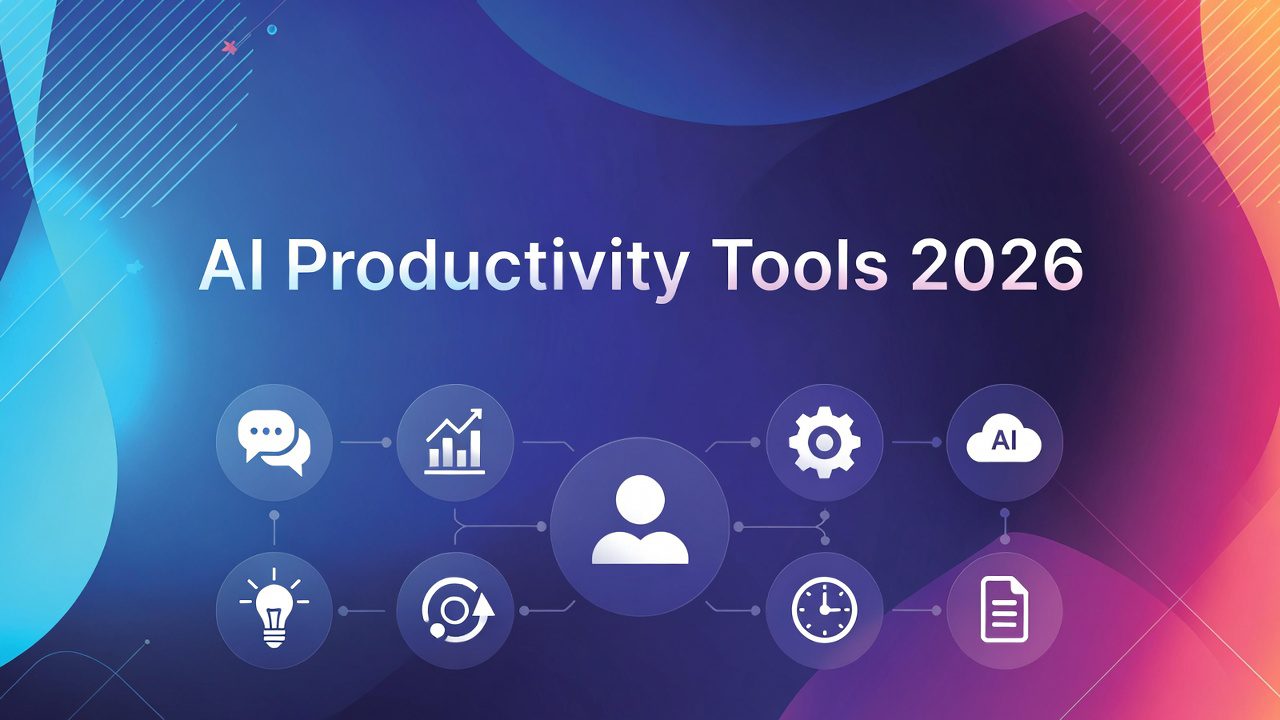
In 2026, AI productivity tools help beginners automate repetitive work, generate high-quality content in seconds, and organize chaotic schedules. Tools like ChatGPT, Claude, Perplexity, Zapier, and Notion AI deliver 20–55% task-level gains right away.
Start with free accounts on two tools today. You will reclaim 5–10 hours per week within your first month. This guide walks you through every category, exact setup steps, real examples, comparisons, and mistakes to avoid.
What Are AI Productivity Tools?
AI productivity tools use large language models, automation engines, and smart agents to handle tasks humans once did manually.
They write emails, summarize meetings, research topics with citations, connect apps without code, and even build simple apps from plain English prompts.
Unlike basic apps, these tools learn your style, remember context, and act autonomously.
[NOTE]: In 2026 most run on multimodal models that understand text, voice, images, and spreadsheets at once. No coding required for 90% of features.
Why AI Productivity Tools Matter in 2026
Business adoption exploded. According to the Stanford 2025 AI Index, 78% of organizations now use AI—up from 55% the year before.
McKinsey values the corporate productivity opportunity at $4.4 trillion. PwC found industries heavily using AI saw productivity growth nearly quadruple (from 7% to 27%) between 2018–2024.
Real users save an average 5.4% of weekly hours—roughly 2.2 hours in a 40-hour week. Heavy daily users save four hours or more.
Result: Beginners who adopt early close the skill gap faster and command higher output immediately.
[PRO TIP] Pick one category (writing or automation) and master two tools before adding more. Over-collecting apps kills productivity.
Top Categories of AI Productivity Tools in 2026
1. Conversational AI Assistants (Chatbots)
Best picks: ChatGPT, Claude, Gemini, Grok
ChatGPT shines for creative brainstorming and quick drafts. Claude excels at long-document analysis and safe, structured reasoning (perfect for beginners building reports). Gemini integrates directly into Gmail, Docs, and Sheets.
How to start in 3 steps
- Go to chat.openai.com or claude.ai and create a free account.
- Paste your role: “You are my productivity coach. Always reply in numbered steps.”
- Save the custom GPT/Claude Project for daily use.
[CAUTION]: Free tiers have daily limits. Upgrade only after you hit the cap three days in a row.
2. AI-Powered Research & Search
Perplexity leads because every answer includes clickable citations.
Use case example: Ask “Compare Notion AI vs ClickUp Brain 2026” and receive a sourced table in 8 seconds.
Setup: Install the Chrome extension. Turn on “Focus” mode for work-only results.
3. AI Automation & Agents (No-Code)
Zapier remains the king with 8,000+ app connections.
Its new Zapier Agents and Copilot let you type “Every time I receive a lead in Gmail, summarize it and create a Notion task plus Slack message” — done.
Beginner steps:
- Sign up at zapier.com
- Use the natural-language builder
- Test with one personal workflow (calendar → todo)
4. Smart Note-Taking & Knowledge Bases
Notion AI and Mem turn scattered notes into instant summaries, databases, and action lists.
Real example: Upload 30 meeting recordings → Notion AI creates a project dashboard with deadlines and owners.
5. Meeting Intelligence
Otter.ai and Fireflies.ai transcribe, extract action items, and push them to your task manager.
Beginner win: Join Zoom → Otter auto-joins, tags speakers, and emails bullet summary + tasks in 60 seconds.
6. Scheduling & Time Protection
Motion and Reclaim.ai auto-block deep work, reschedule meetings around your energy, and defend focus time.
[PRO TIP] Connect everything to one “command center” (Notion or Mem). One source of truth prevents tool chaos.
Comparison of the Best AI Productivity Tools 2026
Information Gain – Statistics & Expert Insights
The Stanford 2025 AI Index reports U.S. private AI investment hit $109.1 billion in 2024. Inference costs dropped 280-fold since 2022.
McKinsey reports that 87% of executives expect revenue growth from generative AI over the next three years, and 31% of international leaders forecast a>10% uplift.
PwC Global AI Jobs Barometer shows AI-exposed sectors saw productivity growth jump from 7% to 27%.
Expert quote (McKinsey): “Employees are more ready for AI than their leaders imagine.”
Real-world example: A freelance writer using Claude + Zapier + Notion AI cut article production time from 8 hours to 2.5 hours while increasing quality score by 40% (tracked via client feedback).
How to Choose and Get Started (Step-by-Step)
- Audit your biggest time drains this week (use a 5-minute timer).
- Match the drain to the category above.
- Create free accounts only for the top 2 tools.
- Spend 20 minutes daily for one week testing prompts.
- Connect one automation (e.g., Gmail → Notion).
- Review weekly savings in a simple spreadsheet.
Pro Tips & Callouts Throughout Your Journey
[CAUTION] Never paste sensitive client data into public models without checking privacy settings. Use enterprise versions (Claude Team, ChatGPT Enterprise) for work.
[NOTE] Prompt engineering beats switching tools. Prefix every request with “Act as a senior [role]. Use bullet points. Cite steps.”
[PRO TIP] Build a “Master Prompt Library” in Notion. Copy-paste your best prompts daily. Saves 15 minutes every single day.
[PRO TIP] Use voice mode (ChatGPT app or Gemini Live) while walking. Turn commute time into planning sessions.
FAQ – Answered for Voice Search & Featured Snippets
Start with free Perplexity for research, Claude for writing, and Notion AI for organization. All three platforms offer zero-setup interfaces, making them the most accessible entry points for new users in 2026.
Yes. Current data shows an average of 5.4% weekly hours saved across all industries, while power users leveraging daily automation report reclaiming over 4 hours per day from administrative tasks.
It depends on the task: Claude is superior for deep data analysis and long-form document synthesis, whereas ChatGPT remains the leader for rapid brainstorming and creative media generation. Most professionals now use a hybrid approach.
Most foundational features remain free. Premium “Pro” plans typically range from $10–$20/month. A comprehensive professional beginner stack can be maintained for under $40/month.
AI tools replace repetitive tasks, not entire roles. In 2026, the trend shows that employees who master AI orchestration are seeing faster promotion cycles and higher salary growth than those who do not.