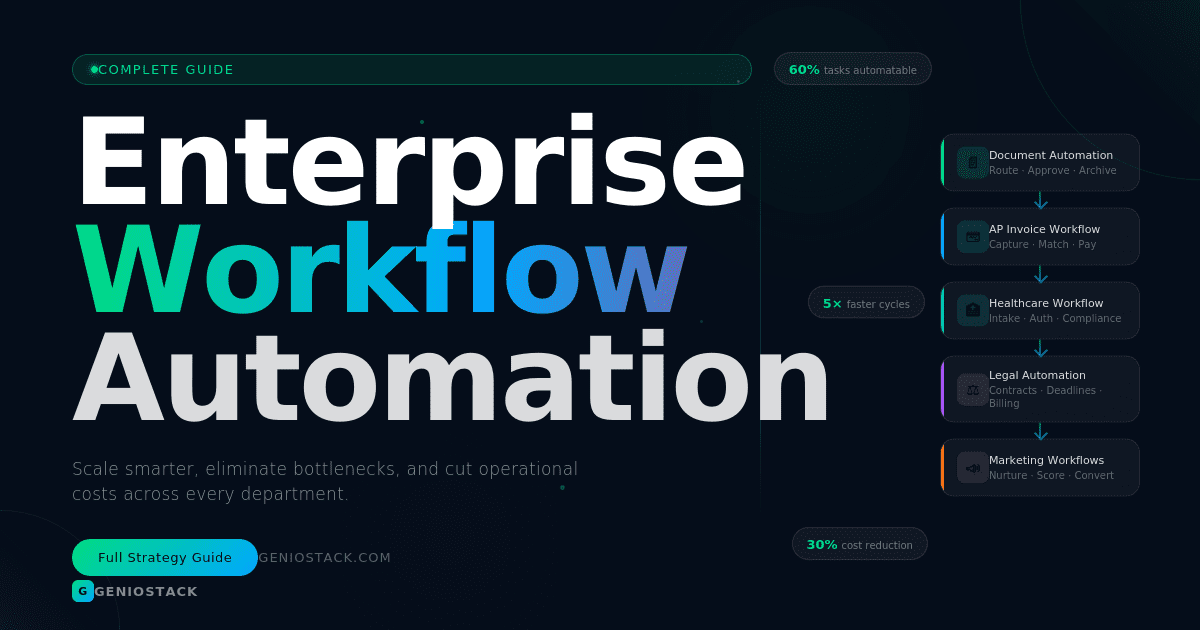
Enterprise workflow automation is the use of technology to streamline, manage, and execute complex business processes across departments — without manual intervention. It reduces human error, cuts operational costs, accelerates task completion, and gives teams the freedom to focus on high-value strategic work instead of repetitive tasks.
Are your teams buried in approval chains, manual data entry, and disconnected processes that slow everything down?
You’re not alone. Across industries — from healthcare to legal to financial services — organizations are losing thousands of productive hours every year to tasks that software can handle in seconds. The real cost isn’t just time. It’s missed deadlines, compliance risks, employee burnout, and slower growth.
Enterprise workflow automation solves this at scale. Unlike basic task automation tools, enterprise-grade systems orchestrate entire business processes — connecting people, data, and applications across your organization into one intelligent, self-running machine.
In this guide, you’ll discover exactly how enterprise workflow automation works, which industries benefit most, the best tools available, and a practical step-by-step framework for getting started. Whether you’re in finance, healthcare, marketing, or legal, this guide gives you the actionable roadmap to automate smarter and scale faster.
Table of Contents
What Is Enterprise Workflow Automation?
Enterprise workflow automation refers to the systematic use of software to design, execute, and monitor multi-step business processes that would otherwise require significant manual effort.
It goes beyond simple task automation. While a basic script might send a single email, an enterprise workflow automation system can:
- Receive a document submission
- Route it to the right approvers based on rules
- Send reminders if action isn’t taken
- Log every interaction for compliance
- Update connected systems automatically upon completion
Key components include:
- Process triggers (events that start a workflow)
- Conditional logic (if/then rules guiding decisions)
- Integrations (connecting CRMs, ERPs, HR systems, and more)
- Dashboards and analytics (real-time visibility into every process)
💡 Key Insight: According to McKinsey, up to 60% of occupations have at least 30% of activities that can be automated with current technology. Enterprise workflow automation is how leading organizations are capturing that opportunity today.
Why Enterprise Workflow Automation Is No Longer Optional
Manual processes create compounding inefficiency. Every time a task waits in someone’s inbox, every time data is re-entered across systems, every time an approval stalls — your organization loses competitive ground.
Here’s what automation directly addresses:
- Bottlenecks in approval and review chains
- Human error in data entry and document processing
- Lack of visibility into where tasks stand
- Compliance gaps from inconsistent process execution
- High operational costs from over-reliance on manual labor
Organizations that deploy enterprise-grade automation consistently report faster process cycle times, lower error rates, and measurable cost savings within the first year of implementation.
6 High-Impact Use Cases Across Industries
1. Document Workflow Automation
Document workflow automation is one of the most universally valuable starting points for enterprises. Every department handles documents — contracts, invoices, reports, onboarding forms, compliance filings.
Automating the document lifecycle means:
- Documents are automatically classified and routed upon receipt
- Review and approval steps are triggered without manual follow-up
- Version control and audit trails are maintained automatically
- Final documents are stored and indexed in the right system
Tools like DocuWare, M-Files, and Laserfiche specialize in intelligent document automation for enterprise environments.
2. Accounts Payable Invoice Workflow Automation
Accounts payable invoice workflow automation is a game-changer for finance teams drowning in paper invoices, manual matching, and slow approval cycles.
A fully automated AP workflow typically works like this:
- Invoice is received (email, PDF, EDI, or portal)
- AI extracts key data — vendor, amount, due date, PO number
- System performs 2-way or 3-way matching against purchase orders
- Invoice is routed for approval based on amount thresholds or department
- Approved invoice is pushed to ERP for payment scheduling
- Payment confirmation is logged and reconciled automatically
Benefits include: faster payment cycles, early payment discounts, reduced fraud risk, and full audit compliance.
✅ Pro Tip: Look for AP automation platforms with built-in OCR (optical character recognition) and machine learning, such as Tipalti, Basware, or SAP Concur, to handle invoices across formats and languages.
3. Healthcare Workflow Automation
Healthcare workflow automation addresses some of the most critical and high-stakes processes in any industry — patient intake, clinical documentation, appointment scheduling, insurance pre-authorization, and compliance reporting.
Key automation use cases in healthcare include:
- Patient intake automation: Digital forms, insurance verification, and EHR data population
- Prior authorization: Automated submission and follow-up with insurance providers
- Appointment reminders: Multi-channel patient communication without staff involvement
- Compliance workflows: HIPAA-compliant document routing and audit trail generation
- Clinical task routing: Automated assignment of tasks to care teams based on patient status
Healthcare organizations using workflow automation report significant reductions in administrative burden, allowing clinical staff to focus on patient care rather than paperwork. According to Gartner, intelligent automation in healthcare can reduce administrative costs by up to 30%.
4. Legal Workflow Automation
Legal workflow automation helps law firms and in-house legal teams manage the overwhelming volume of time-sensitive, compliance-critical work they handle daily.
Common legal automation workflows include:
- Contract lifecycle management: Drafting, review routing, e-signature, and renewal alerts
- Matter intake: Automated client onboarding, conflict checks, and matter opening
- Deadline tracking: Rule-based calendar automation for court dates and filing deadlines
- Billing and invoicing: Time capture, invoice generation, and approval routing
- Compliance monitoring: Automated regulatory update alerts and policy review cycles
Tools like Clio, ContractPodAi, and NetDocuments offer purpose-built legal workflow automation for both law firms and corporate legal departments.
5. Marketing Automation Workflow
A well-built marketing automation workflow ensures leads are nurtured, campaigns are executed, and customer journeys are personalized — all without constant manual intervention.
Core marketing workflows enterprises should automate:
- Lead capture and scoring — forms trigger CRM entry and automatic scoring
- Email nurture sequences — behavior-based email campaigns sent at the right moment
- Social media scheduling — content queued and published on autopilot
- Campaign reporting — automated performance dashboards sent to stakeholders
- Re-engagement workflows — inactive leads triggered into recovery sequences
💡 Key Insight: For prop trading firms and financial institutions, the ability to automate marketing workflows for prop firms is particularly powerful — enabling compliant, personalized communication at scale without the cost of large marketing teams.
6. Cross-Departmental Enterprise Process Automation
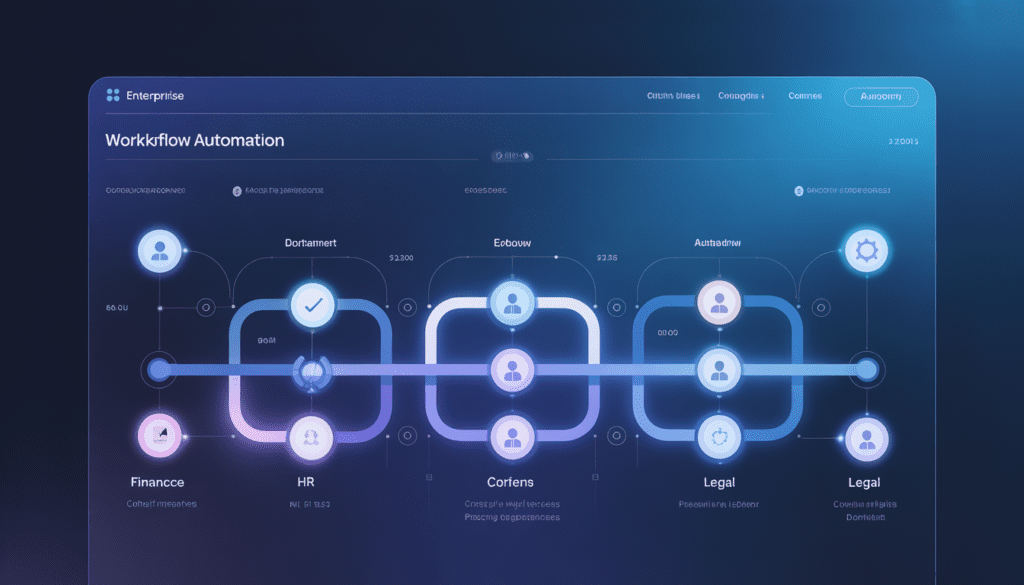
Beyond individual departments, the real power of enterprise workflow automation lies in connecting workflows across the entire organization — from HR onboarding to IT provisioning to customer service escalation.
An example end-to-end workflow:
- New hire accepts offer → HR system triggers onboarding workflow
- IT receives auto-request to provision laptop, accounts, and software
- Manager receives onboarding checklist and meeting scheduler
- Payroll is notified and employee record created in ERP
- 30-day check-in survey automatically sent to new employee
This kind of orchestration eliminates the manual coordination that typically takes HR days — and collapses it into hours.
How to Build an Enterprise Workflow Automation Strategy: Step-by-Step
Step 1: Audit Your Current Processes
Map every major process across departments. Identify where time is lost, errors occur, or work gets stuck.
Step 2: Prioritize by Impact and Feasibility
Focus first on processes that are high-frequency, rule-based, and involve multiple handoffs. AP invoicing, document approvals, and onboarding workflows are ideal starting points.
Step 3: Choose the Right Platform
Evaluate platforms based on your existing tech stack, scalability needs, and industry requirements. Leading platforms include:
| Platform | Best For |
|---|---|
| UiPath | RPA-heavy enterprise automation |
| Microsoft Power Automate | Microsoft 365 environments |
| Zapier / Make | Mid-market, no-code automation |
| ServiceNow | IT and enterprise service management |
| Pega | Complex case management workflows |
| HubSpot / Marketo | Marketing automation workflows |
Step 4: Design, Test, and Deploy
Build workflows with clear triggers, actions, and conditions. Test in a sandbox environment before live deployment. Involve end-users early to ensure adoption.
Step 5: Monitor, Measure, and Optimise
Track key metrics — process cycle time, error rate, cost per transaction, SLA compliance. Use dashboards to continuously refine and improve.
Common Pitfalls to Avoid
- Automating a broken process: Fix the process first, then automate it
- Ignoring change management: Employees need training and buy-in or automation fails
- Over-engineering from day one: Start simple, add complexity as confidence grows
- Neglecting security and compliance: Ensure your automation platform meets your industry’s regulatory requirements (HIPAA, SOC 2, GDPR, etc.)
Enterprise workflow automation is no longer a luxury reserved for Fortune 500 companies. It’s a strategic necessity for any organization serious about scaling efficiently, reducing costs, and staying competitive.
From document workflow automation and accounts payable invoice workflow automation to healthcare workflow automation, legal workflow automation, and marketing automation workflows — the opportunities to eliminate waste and accelerate performance are everywhere.
The key is to start with a clear audit, prioritize high-impact processes, choose a platform that fits your environment, and build a culture that embraces continuous improvement.
The organizations that automate intelligently today will be the ones outperforming their competitors tomorrow.
Ready to take the next step? Explore our in-depth tool comparisons and automation implementation guides on Geniostack.com — and start building workflows that work as hard as your team does.
For further reading on automation strategy, explore resources from Forrester Research on intelligent automation and Gartner’s automation insights.